

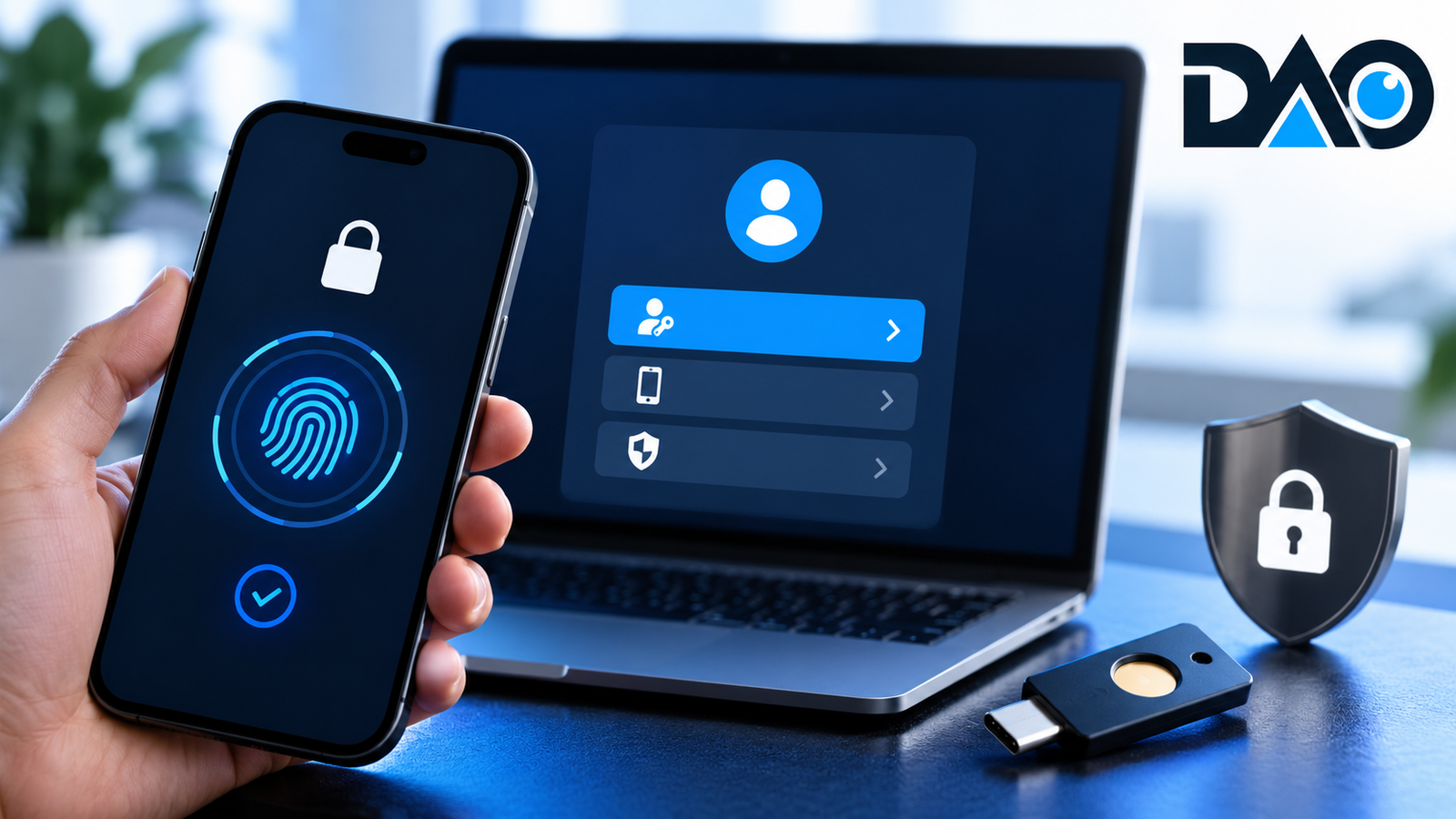
The most expensive account compromise may begin with an ordinary-looking message: a password-reset request, an urgent delivery notice or a fake sign-in page. Once an attacker controls someone’s primary email account, the damage can spread to banking, business software, social media and personal records. Strong passwords help, but modern digital identity protection now requires a broader approach. Passkeys, multi-factor authentication, recovery planning and careful device management together form a practical defence. The challenge is not merely enabling the newest security feature. It is ensuring that the account remains usable for the legitimate owner without leaving easier recovery routes open to an attacker.
Understand the problem with passwords
Passwords are shared secrets: a user enters something that a service can check, and an attacker may trick the user into revealing it. Reusing a password across sites increases exposure when one service suffers a breach. Even unique passwords can be stolen by convincing phishing pages or malicious software. A password manager can generate and store strong unique credentials, greatly reducing memorisation and reuse problems, but the account protecting that vault is itself important. Users should treat security as a chain of dependencies rather than a collection of individual settings. Begin by identifying the email account, phone number and recovery method that could unlock everything else. Those are the accounts whose compromise would cause the widest damage.
What a passkey does differently
Passkeys use public-key cryptography. The service holds public information needed to verify a login, while the private credential remains protected through the user’s device or credential provider. Instead of typing a password into a potentially fake website, the user approves a sign-in using the device’s established unlocking method, such as a biometric check or PIN. The FIDO Alliance describes passkeys as phishing-resistant credentials based on its standards. This architecture makes ordinary credential-harvesting attacks much harder, because an attacker cannot simply collect a typed password and replay it on a different website. Passkeys still depend on secure devices, trustworthy recovery arrangements and careful account management; they are strong protection, not a universal guarantee against every form of account takeover.
Synced versus device-bound passkeys
A synced passkey may be available on several devices through a supported credential provider. This can make everyday use and replacement of a lost device easier. A device-bound passkey, such as one stored on a particular hardware security key, is intentionally tied more tightly to that device. The best choice depends on threat level and recovery requirements. An ordinary household may prioritise reliable synchronisation across its devices, while an administrator of high-value corporate systems may need stronger separation and controlled hardware tokens. Businesses should know where credentials reside, who may enrol new devices and what happens when an employee leaves. Convenience and resilience need not be enemies, but both must be planned rather than assumed.
Multi-factor authentication is not one technology
Multi-factor authentication, or MFA, asks for evidence from more than one category, such as something known, possessed or inherent to the user. Security methods differ considerably. An SMS code can offer valuable protection compared with an unprotected password, but phone-number takeover and convincing phishing attempts remain concerns. Authenticator-app codes can avoid some SMS weaknesses while still being vulnerable to real-time interception on fraudulent sign-in pages. Phishing-resistant methods, including properly implemented passkeys and hardware security keys, offer stronger protection against this particular threat. Users should enable the strongest supported method on email, finance, cloud administration and social accounts. They should also check whether weaker methods remain active as fallback routes, because attackers commonly look for the path with the fewest obstacles.
The overlooked danger of account recovery
People often secure the normal sign-in experience and ignore what happens when a phone is lost. Recovery routes can include backup email, SMS, recovery codes, trusted devices or help-desk procedures. If an attacker can manipulate those routes, the secure everyday login may be bypassed. Audit recovery contacts for every major account and remove unfamiliar or obsolete entries. Store emergency recovery codes in a protected location separate from the phone they are meant to replace. Test the recovery procedure while access is still available, using the provider’s official instructions. Never photograph secret recovery codes into a publicly synced album or share them in a family group chat. An effective recovery plan lets the owner return safely without creating a shortcut for an impostor.
Protect the email account first
Email is the control room of digital identity because it often receives password-reset links, financial notices and security alerts. Use a unique, strong sign-in method and phishing-resistant authentication where available. Review forwarding rules, connected applications, recovery details and active sessions. An attacker who gains brief access may create an invisible forwarding rule or authorise a third-party app to keep receiving messages even after the password changes. Business domains add another layer: the registrar, DNS provider and email administration panel must also be secure. If a domain account is compromised, an attacker may redirect email or impersonate staff. Document ownership and emergency administrator access rather than letting one employee’s personal address become the only route to the organisation’s communications.
Secure financial and payment accounts deliberately
Brokerage accounts, banking apps, cryptocurrency services and payment dashboards deserve heightened scrutiny because mistakes may have direct monetary consequences. Activate available transaction alerts, review trusted beneficiaries and minimise standing permissions. Use a separate review process for changes to settlement destinations or large transfers. Even a secure account can be abused if a victim is persuaded to authorise a fraudulent payment. Never treat an unexpected support call as proof of identity; return through the official app or known contact channel. For business payments, independent confirmation of new bank details is often as important as technology. Authentication establishes that a credential was used; it does not always establish that the user’s decision was informed or uncoerced.
Device hygiene matters as much as the login method
A compromised phone or laptop can undermine other protections by exposing sessions, messages and information visible after sign-in. Keep operating systems and major apps updated, maintain device locks, avoid untrusted installation packages and review app permissions. Enable device encryption and a reliable screen-lock timeout. Use reputable backup mechanisms so that the prospect of losing data does not tempt a user to disable security settings. On shared computers, do not keep sensitive sessions permanently signed in. Travelling users should be particularly cautious about unattended devices and unknown charging or accessory connections. Modern security is strongest when the account and the endpoint are both managed with care.
Build a practical security hierarchy
Not every online account requires the same operational effort. Classify identities by the damage that an intruder could cause. Tier one might include primary email, domain registrar, financial access, password manager and the accounts that administer other systems. Tier two could include customer-facing services, professional platforms and important personal records. Tier three might contain lower-risk subscriptions and forums. Give tier-one accounts phishing-resistant login methods, carefully stored recovery codes and regular session reviews. This hierarchy is not permission to neglect less important sites; it is a way to allocate limited time intelligently. A small business can complete its highest-risk protection work first instead of becoming overwhelmed by dozens of minor settings.
The family plan nobody wants to need
Families often share devices, travel together and rely on one technically confident person to manage digital accounts. That creates a continuity problem when this person is unavailable. Agree on how important documents, emergency contacts and recovery instructions are stored securely and who is authorised to use them. Keep each individual’s private accounts private, while ensuring that legitimate financial and administrative responsibilities can continue through appropriate legal and service-provider arrangements. Children and older adults may need extra education about scam messages rather than simply stricter passwords. A good plan includes what to do after a lost phone: whom to call, how to lock the device, how to revoke sessions and how to restore access without using links received in unsolicited messages.
A small-business rollout without disruption
Start with owners and administrators, then expand protection to staff in waves. Inventory high-risk services, confirm which authentication methods each supports and identify shared accounts that should become individual logins. Train employees with screenshots from the actual approved services, not a vague instruction to ‘enable MFA’. Provide a clearly documented support path when someone loses a device or changes phones. Keep at least two appropriate, authorised administrative recovery options where supported, with separation of duties. Review access after staff changes and contractor departures. Track coverage as a percentage of critical accounts protected rather than celebrating the number of reminder emails sent. Adoption succeeds when the secure path is also workable during a busy day.
Respond sensibly to a suspected compromise
If an account may have been taken over, use a trusted device and navigate directly to the service rather than clicking the suspicious message. Change compromised credentials if still applicable, revoke unfamiliar sessions and tokens, inspect recovery settings, and review linked applications or forwarding rules. Alert financial institutions immediately where money may be at risk. Preserve relevant messages and transaction evidence, and follow the provider’s official recovery process. Businesses should escalate through their incident-response contacts and consider legal or customer-notification duties where applicable. Avoid circulating screenshots containing private tokens or identification documents in open chat groups. The response objective is to contain access, understand what was changed, restore secure control and prevent the same path from being used again.
Frequently asked questions
Are passkeys better than passwords?
Properly implemented passkeys are designed to resist common phishing attacks because there is no reusable password to type into an imitation site. Actual protection still depends on device security, the provider’s implementation and strong account recovery controls.
Should I keep an authenticator app after creating a passkey?
Check each service’s guidance and available backup arrangements. Some services support several sign-in options, while others use passkeys as the primary login method. Remove weak fallbacks only after ensuring legitimate recovery remains possible.
What if I lose the phone storing my passkey?
Recovery depends on whether the passkey is synced, device-bound or backed up through other approved methods. Set up recovery before losing access and test the documented process with the provider’s official help materials.
Can passkeys stop every scam?
No. Passkeys make credential phishing harder but do not prevent an authorised user from being deceived into sending money, installing malware or disclosing sensitive information through other channels.
The bottom line
Digital identity security is not a one-time feature toggle. Use passkeys or other phishing-resistant methods where available, strengthen recovery routes, protect the primary email account and keep devices updated. For businesses, add individual accountability and tested emergency procedures. For families, plan legitimate access without sharing secrets casually. The most effective security system is one that protects the critical accounts on an ordinary day and still works when a device disappears or a convincing scam arrives at the worst possible moment.
Related reading on Digital Assets Observer
- Digital Travel Checklist: eSIM, Payments, Documents and Phone Safety
- Own Your Audience: Build a Business Beyond Rented Social Platforms






Leave a Reply