

A small company’s most important security account may be its email inbox. It receives password resets, supplier invoices and customer information. Losing it can interrupt several parts of the business at once.
A useful small business cybersecurity checklist starts with those dependencies. It identifies which accounts matter most, who controls them and how the team would restore access if something failed.
Map the accounts that control operations
List business email, banking access, the domain registrar, website hosting, cloud storage, social media and core software. Record the owner and recovery method for each. Use business-controlled contact details where practical rather than depending entirely on one employee’s personal phone.
Remove unnecessary administrator privileges. People should have access appropriate to their role, with a clear process for joining, changing responsibilities and leaving.
Protect logins and recovery routes
Use unique passwords stored in a suitable password manager and enable multifactor authentication where available. CISA recommends MFA as an additional protection when passwords are compromised. It is an extra barrier, not a guarantee against every account attack.
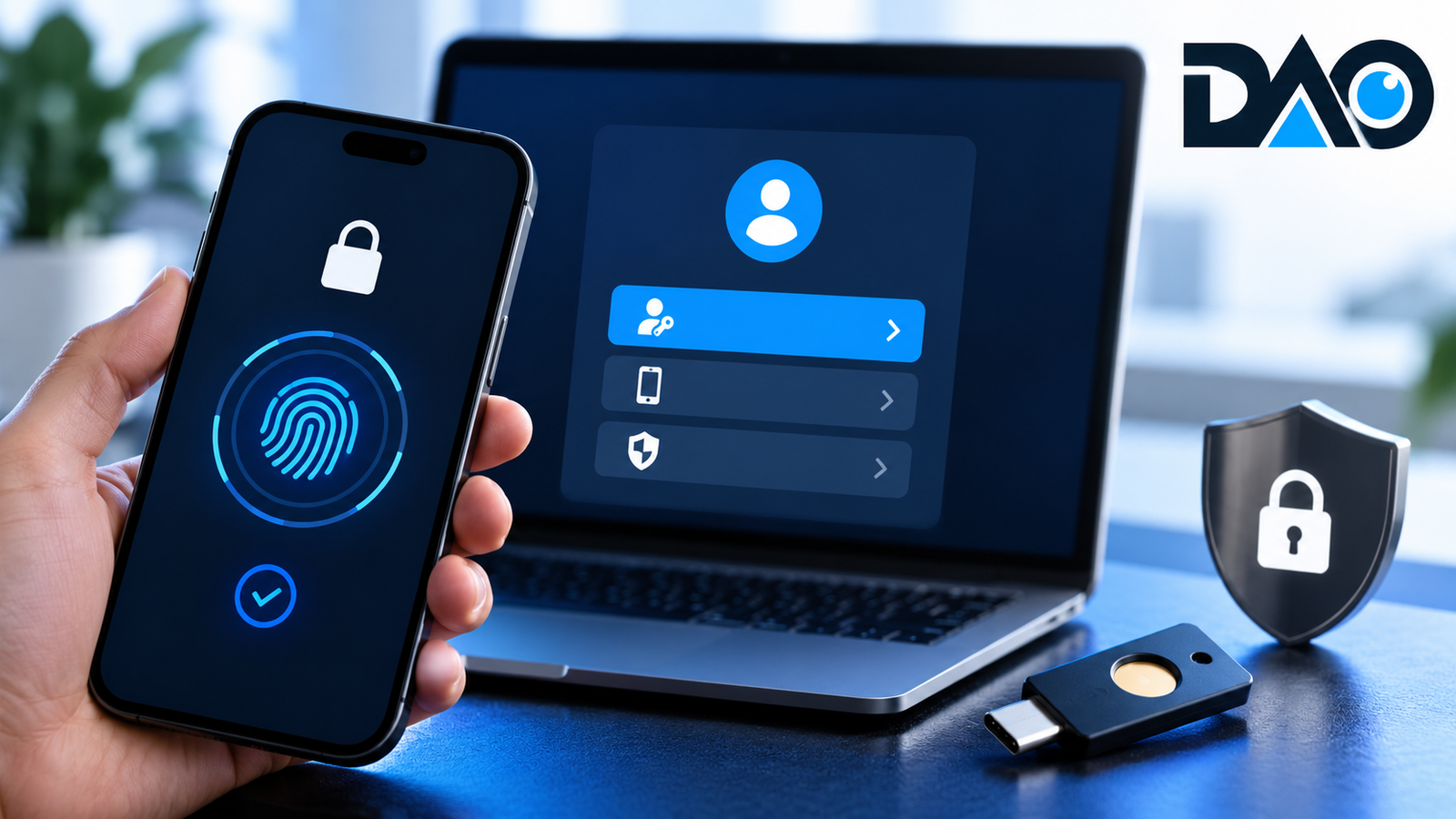
Where supported, consider phishing-resistant authentication such as suitable security keys or passkeys. Protect recovery codes and review the process for replacing a lost device. A secure primary login is weakened by an easily compromised recovery mailbox.
Give staff a way to verify unusual requests
Fraudulent instructions often exploit timing and authority: an urgent payment, an unexpected shared file or a message claiming to be from a senior colleague. Make verification normal.
For bank-detail changes, confirm through a previously established contact route. Do not rely on the phone number inside the suspicious message. Create a reporting channel where an employee can raise a concern without being penalised for slowing a transaction.
Update software and test recovery
Assign ownership for updates to operating systems, website components, browsers and critical applications. Keep an inventory of systems that are no longer supported so they can be replaced or isolated appropriately.
Maintain backups suited to the business and restrict who can alter them. A backup dashboard showing success is not the same as a completed recovery test. Restore a sample of important files and document how long the process takes.
Write a short incident plan
Record who can suspend accounts, contact the bank, involve technical support and communicate with affected people. Preserve relevant records when investigating a suspected compromise. Follow applicable reporting requirements with qualified assistance where necessary.
Practise a simple scenario: the person who normally manages the website cannot sign in and an unknown administrator appears. The exercise often exposes missing contact details and access arrangements before a real incident does.
Frequently asked questions
Is antivirus enough?
No single product covers account recovery, fraudulent payment instructions, access management and data restoration.
What should be checked first?
Begin with business email and the accounts controlling payments, domain ownership and essential customer records.






Leave a Reply