

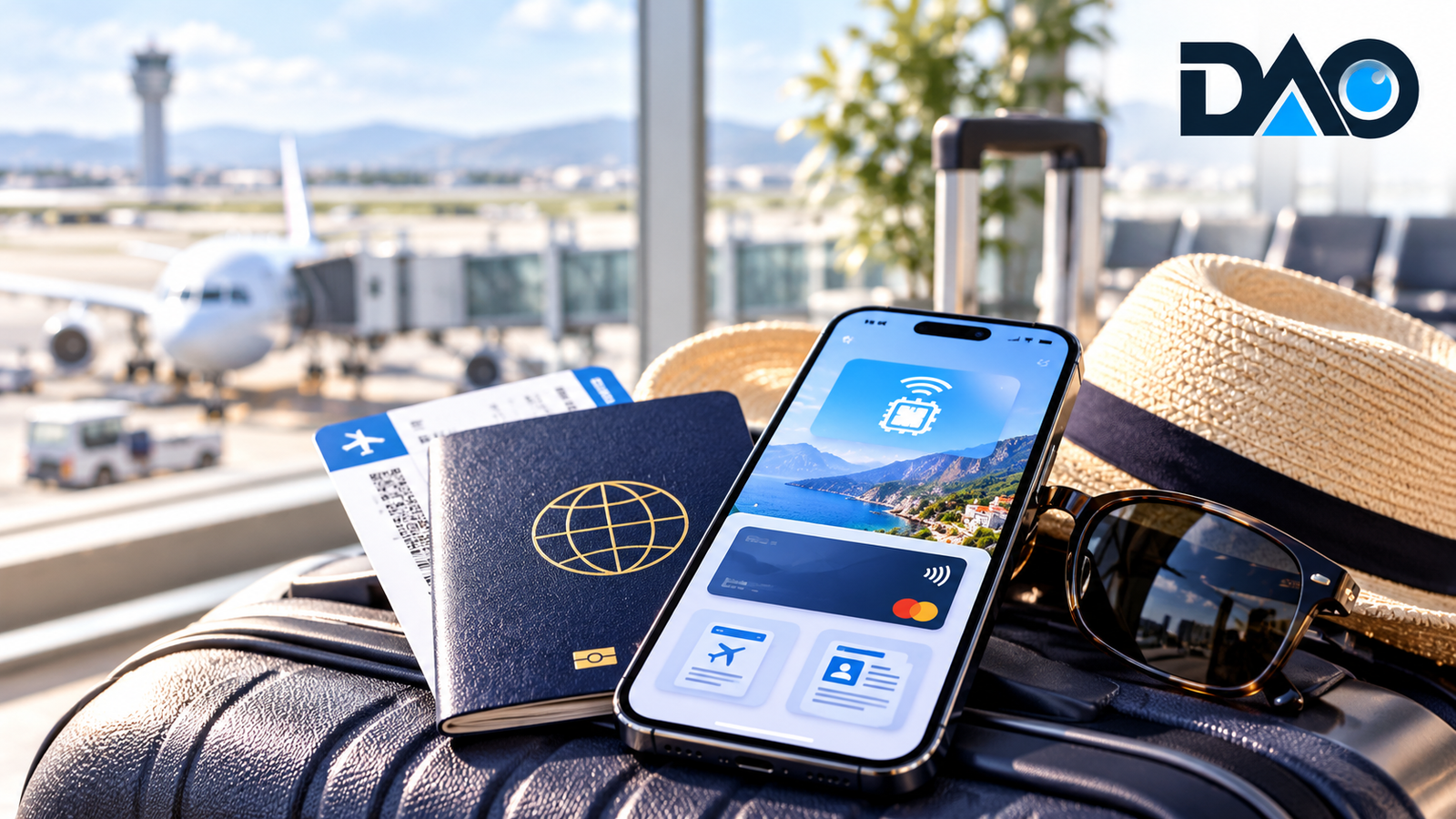
International travel has become easier to plan and more dependent on a single device. A phone may now hold boarding information, accommodation details, payment apps, navigation, travel insurance and the means of contacting family. That concentration of convenience creates a point of failure: a missing phone, exhausted battery or inaccessible account can complicate an otherwise ordinary journey. The smartest preparation is not to download the largest number of apps. It is to build a digital travel system that works across changing networks, unfamiliar payment environments and unexpected interruptions. This practical checklist takes travellers from the weeks before departure through arrival, daily travel and the journey home.
Begin with entry requirements, not flights and hotels
Before booking non-refundable arrangements, verify passport validity, visa rules, permitted duration of stay, onward-travel conditions and any destination-specific documentation. Requirements can differ by nationality, route, transit point and purpose of travel. Use official government and airline resources rather than relying on old social-media posts or a friend’s experience. Recheck the rules shortly before departure because policies can change. Save confirmation numbers and the official sites used for applications. Digital approval messages are useful, but travellers should know whether an airline or border authority requires a particular format or printed supporting document. Never assume that an online travel agency’s confirmation substitutes for immigration permission.
Build a secure digital document kit
Create an organised folder containing passport identification details, visa approvals, flight tickets, accommodation contacts, insurance certificates, emergency contacts and essential reservations. Store a securely accessible offline copy so that a temporary network outage does not block information. Use a protected cloud backup as a separate recovery route, with strong authentication. For particularly important documents, a small paper backup may still be sensible if local rules permit and the data is handled carefully. Avoid broadcasting passport scans to multiple informal messaging groups. When a hotel or service provider requests identification, verify what is necessary and use approved channels. Good document management combines availability with restraint: enough copies to recover from a disruption, but not so many that private details become impossible to control.
Understand what an eSIM actually does
An eSIM is a digital method of provisioning a mobile subscription on a compatible device, rather than inserting a physical card. Travel eSIM products often provide data access in selected destinations, while ordinary carrier roaming may preserve existing calls, messaging and service arrangements. These options are not inherently interchangeable. Some travel plans are data-only; others include voice or SMS features. A traveller who needs bank verification messages sent to a home number must check whether that original service remains active. Confirm device compatibility, carrier restrictions, supported countries, plan validity, fair-use rules and activation instructions before leaving. An attractive headline data allowance is of little use if the phone is locked to a provider or the plan does not cover a transit country.
Activate connectivity without locking yourself out
Install or prepare an eSIM while a reliable connection is available, following the provider’s precise activation instructions. Some packages begin validity upon installation, others upon first network connection, so timing matters. Label the lines clearly in the phone’s settings and verify which one uses mobile data, calls and SMS. Prevent unwanted charges by reviewing data-roaming settings on the home line. Save activation details securely in case technical support is needed. If the plan fails overseas, do not repeatedly delete and reinstall the profile unless the provider explicitly permits it. Some activation codes can be used only once. A backup connectivity plan, such as limited home-provider roaming or access to a reputable local service, is often worth more than saving the final small amount on a prepaid package.
Protect access to banking while abroad
Payment systems may treat foreign logins, new devices or unusual transactions as suspicious. Confirm that your financial accounts have current contact information, working authentication methods and appropriate travel settings where applicable. Carry more than one permitted payment method, stored separately, and understand cash-withdrawal charges, international transaction fees and daily limits. Use issuer apps to monitor spending and freeze a lost card when supported. Avoid depending on a single mobile number for every login, particularly if you plan to switch SIM arrangements. Know how to contact the card issuer without access to the ordinary phone. Carrying a modest amount of locally accepted money can help in places where digital payment acceptance is unreliable, while still following applicable currency rules.
Currency conversion is a decision at checkout
Travellers sometimes face a choice between paying in the local currency and accepting conversion into their home currency at a merchant terminal or ATM. This is commonly known as dynamic currency conversion. The offered exchange rate and fees may differ from those applied by the card network and issuer. Do not assume that seeing a familiar home-currency figure guarantees a better deal. Review the screen carefully, compare terms when possible and check card fees before departure. The cheapest method varies by institution, country and transaction. Keep receipts for disputed purchases and monitor charges in the bank app. A digital wallet improves convenience, but it does not eliminate currency spreads or the need to recognise a misleading conversion prompt.
Download maps, tickets and essentials for offline access
A hotel address, transport route and meeting location can become difficult to retrieve when airport Wi-Fi fails or a data plan expires. Download offline maps for likely travel areas and save essential confirmations in a format available without a network. Keep the address of your accommodation written in the local script where helpful. Navigation apps may require live updates for traffic or public-transport conditions, so treat offline information as a fallback rather than an assurance of current schedules. Translate critical phrases in advance and keep emergency telephone numbers separately. Verify the time zone used in booking confirmations and calendar invitations. A well-prepared offline kit reduces panic during minor disruptions and keeps the trip functioning even when the smartphone’s usual connected experience disappears.
Manage public Wi-Fi and shared devices carefully
Hotels, airports and cafés may provide useful internet access, but a familiar network name is not proof of legitimacy. Confirm official network details with staff, avoid installing unknown profiles or certificates and keep your device updated. Prefer secure websites and use mobile data for especially sensitive activities when feasible. Do not sign into important accounts on shared terminals unless there is no safer alternative and you understand the risks. If using a shared computer to print a ticket, avoid saving credentials and sign out fully. Physical security matters too: shield your screen when entering a PIN, enable device tracking and avoid leaving an unlocked phone on a restaurant table. The goal is practical risk reduction, not fear of every wireless connection.
Prepare for a lost phone before it happens
Turn on supported device-finding tools, secure screen locks and encrypted backups while still at home. Store recovery information separately, including account recovery options and telephone numbers for a trusted contact. Know how to block a SIM or suspend a stolen device, and consider how to access booking details or funds without the phone. If a device is lost, use the official account management service from a trusted replacement device, revoke sessions where appropriate and contact banks about payment exposure. Report theft to local authorities when necessary for insurance or other purposes. Never reveal a passcode or recovery phrase to someone claiming they found the phone and need to ‘verify ownership’. A credible recovery plan is far better than improvisation under stress.
Create a useful travel-app shortlist
Choose apps by problem: airline information, accommodation, navigation, translation, payments, local transport and emergency support. Install only those likely to be used, check developer credibility and review permissions. Some travel tools request contacts, precise location or extensive photo access without needing them for the main service. Prefer temporary permissions where available and revoke unnecessary access after a trip. Keep the apps you use to authenticate financial and travel accounts updated before departure; installing a major update over unreliable hotel Wi-Fi can introduce avoidable complications. A small, well-understood collection of tools is easier to maintain than a crowded screen of services whose passwords, charges and offline behaviour are unfamiliar.
Plan for batteries, chargers and local conditions
Power is part of digital resilience. Carry a reliable charging cable and an appropriate adapter for the destination, checking voltage and connector requirements. Follow airline restrictions on spare lithium batteries and power banks; these rules can vary by carrier and route. A compact power bank may preserve navigation and emergency contact access during a long transfer, but only if it is charged and permitted in baggage. Check whether your phone and laptop can share a compatible charger and avoid low-quality power accessories. Keep an important address, room number and emergency contact on paper or in another secure location. Good travel technology preparation includes the ability to operate briefly when the technology is unavailable.
Group trips need clear digital coordination
Friends or colleagues should agree on one shared itinerary, a meeting point for arrivals and a contingency plan if someone becomes disconnected. Share booking references only with the people who need them, and avoid publishing real-time absence from home on public social accounts. Decide who is responsible for accommodation communications and how shared costs are recorded. A simple spreadsheet or expense app can help, but everyone should understand exchange-rate assumptions and settlement timing. Establish an emergency check-in method that does not depend on a single group-chat platform. For travellers who speak different languages or have accessibility needs, document important preferences before departure. The best group system is simple enough to work when everyone is tired and plans change unexpectedly.
Frequently asked questions
Should I use a travel eSIM or international roaming?
Compare your phone’s compatibility, data requirements, SMS and calling needs, destinations, plan activation rules and complete cost. A travel eSIM can be useful, but maintaining home-number access may matter more for authentication or work calls.
Is it safe to keep a passport scan on my phone?
A protected, encrypted copy can help in emergencies, but it is sensitive personal data. Limit copies, control access and verify the legitimate need before sharing documents with other people or services.
Can I rely entirely on digital payments abroad?
Not always. Card acceptance, connectivity, account restrictions and merchant practices vary. Keep appropriate backup payment options, understand fees and follow local cash and currency rules.
What is the most important item to download before departure?
There is no single answer, but offline access to official travel permissions, accommodation details, emergency contacts and essential routes is especially useful. These details are difficult to recover quickly without a connection.
The bottom line
The best digital travel setup is deliberately redundant. Verify legal entry conditions, prepare documents, test connectivity, protect access to money and plan for a missing device. Choose travel apps for real needs rather than installing every new service marketed to tourists. Technology should remove friction from exploring an unfamiliar place, not make the trip depend on one fragile set of accounts and batteries. With a modest amount of preparation, travellers can enjoy the convenience of modern tools while remaining capable when the network, payment terminal or phone fails.
Related reading on Digital Assets Observer
- Buying a Refurbished Smartphone: The Checks That Protect Your Money
- The Hidden Cost of Free Digital Platforms: Who Pays With Data and Control?








Leave a Reply